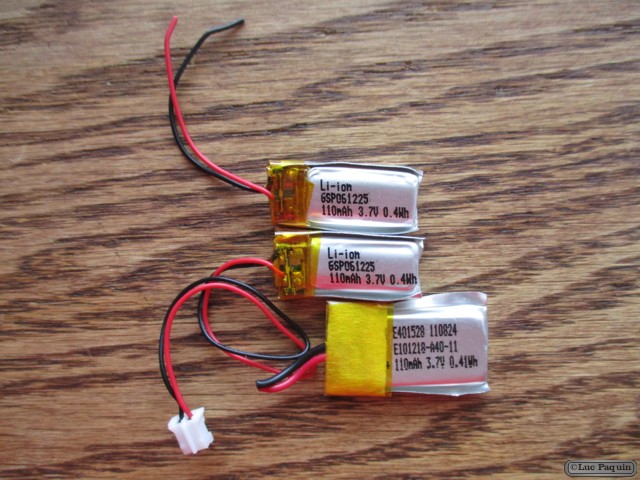
SparkFun – Audio Jack Breakout – Audio Jack 3.5mm

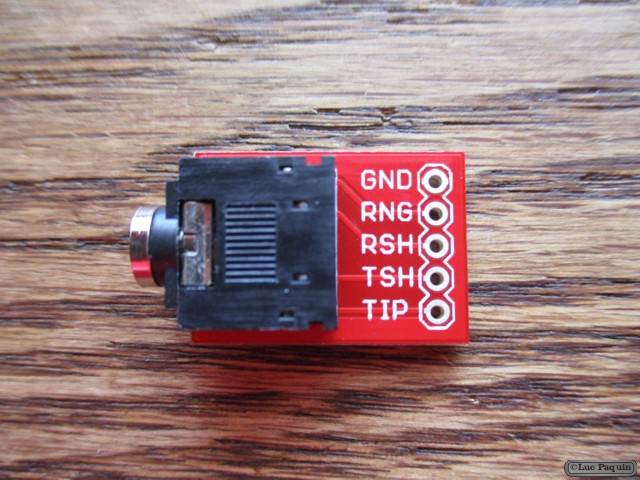
SparkFun PRT-10588 Mk01

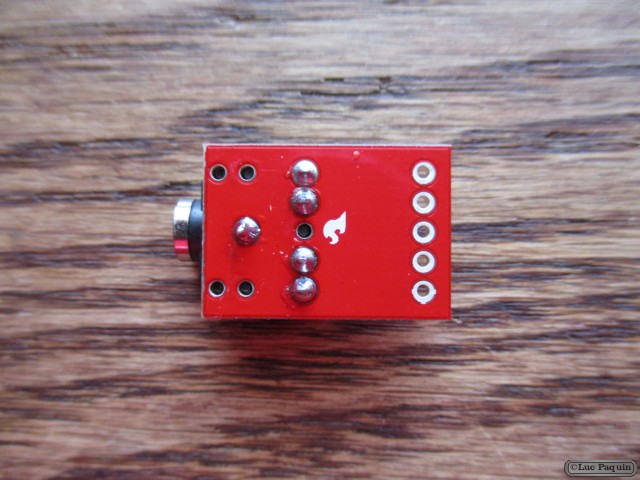
SparkFun PRT-10588 Mk02

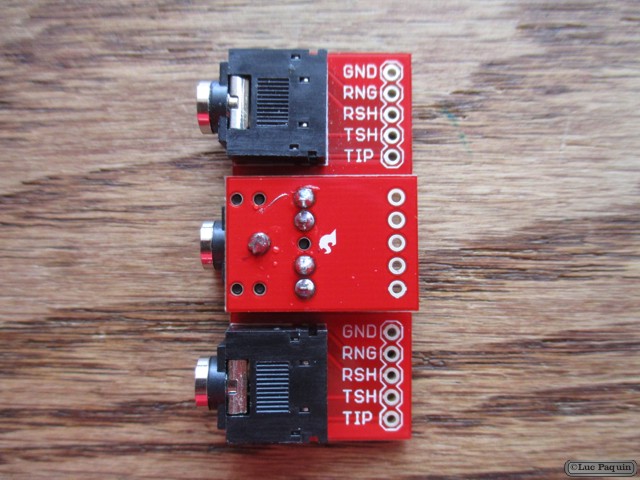
SparkFun PRT-10588 Mk03

SparkFun PRT-10588 Mk04

SparkFun: PRT-10588

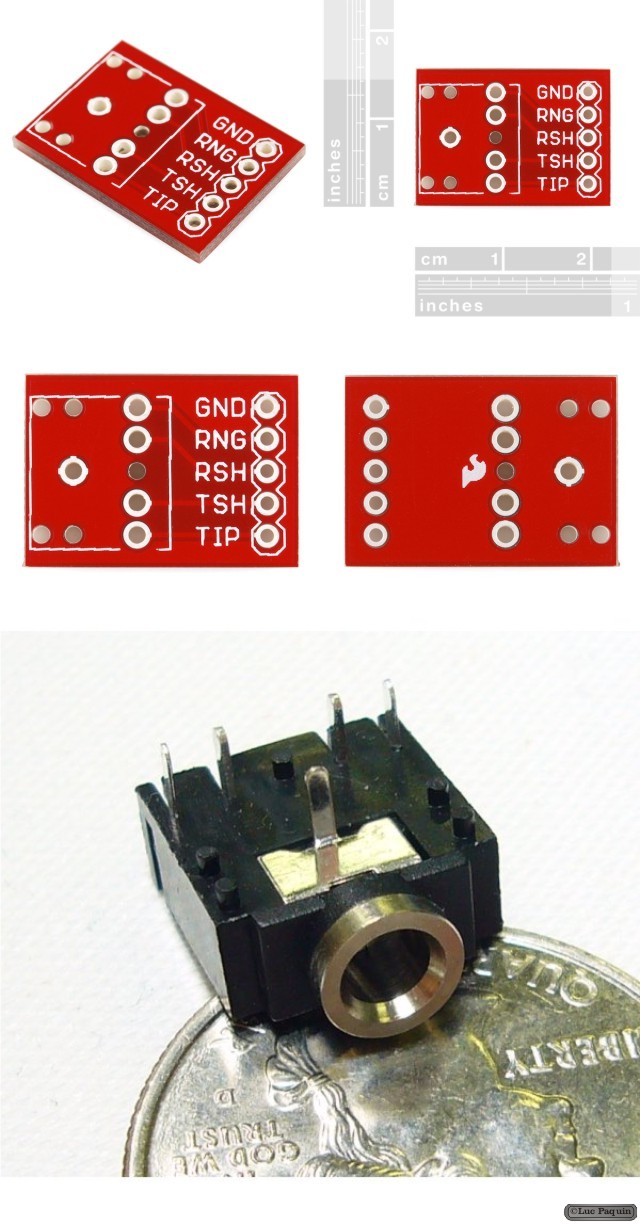
Description: Simple breakout board for the 3.5mm audio jack. Use this breakout (shipped bare) to allow breadboard or SIP access to the super-common 3.5mm audio jack. All five pins are broken out.

Note: You get the bare PCB only, check below for the Audio Jack.

SparkFun: PRT-08032

Description: Low profile 3.5mm stereo audio jack.

Don Luc

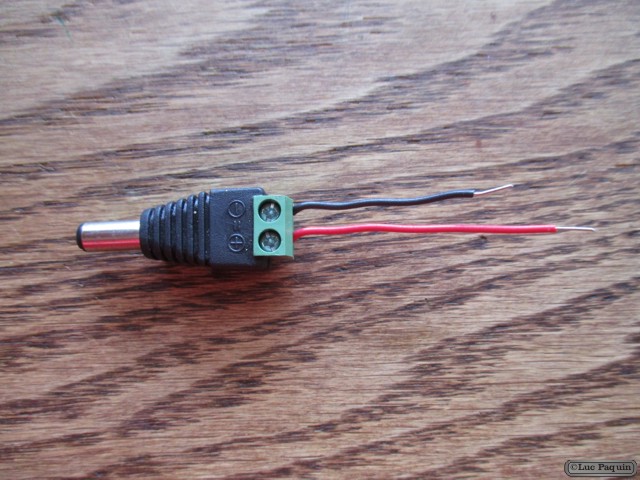
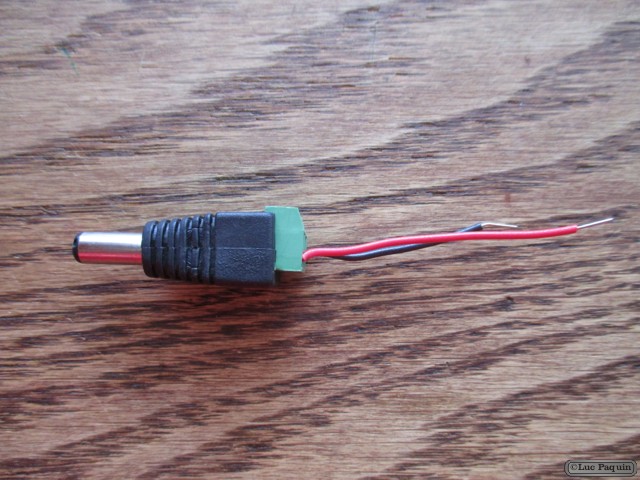
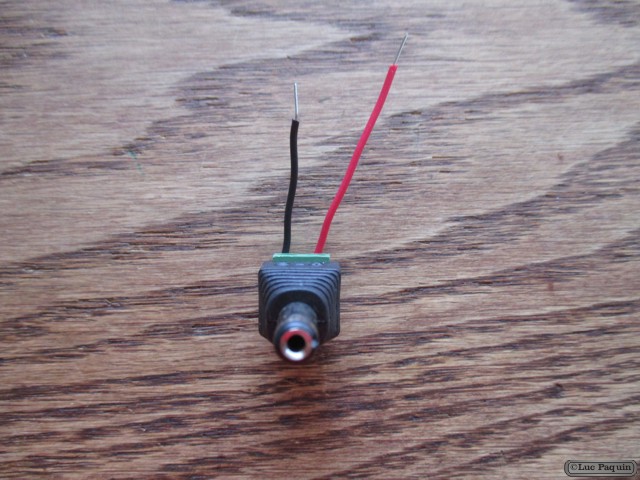
SparkFun – DC Barrel Jack Adapter – Male

SparkFun PRT-10287 Mk01

SparkFun PRT-10287 Mk02

SparkFun PRT-10287 Mk03

SparkFun PRT-10287 Mk04

SparkFun: PRT-10287

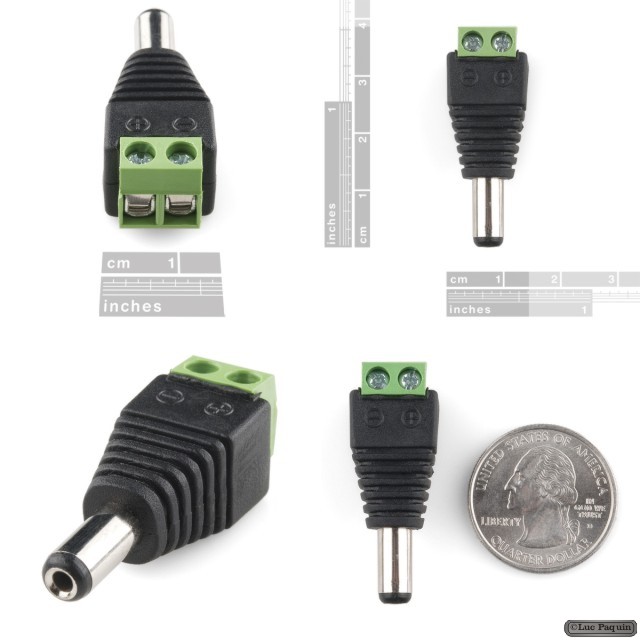
Description: This adapter allows you to connect a barrel jack connector to bare wires. One end has screw terminals and the other has a 5.5×2.1mm, center-positive male barrel jack. If you need to connect bare wires to a barrel jack on an Arduino or a development board, this might be the simple solution.

Don Luc

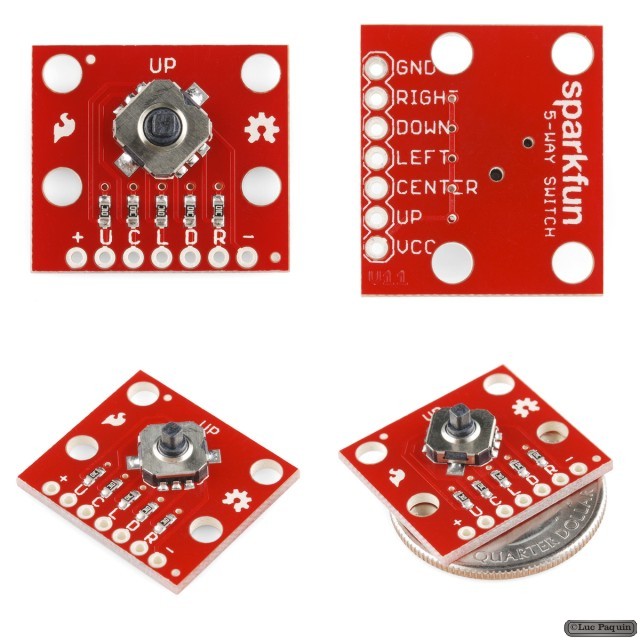
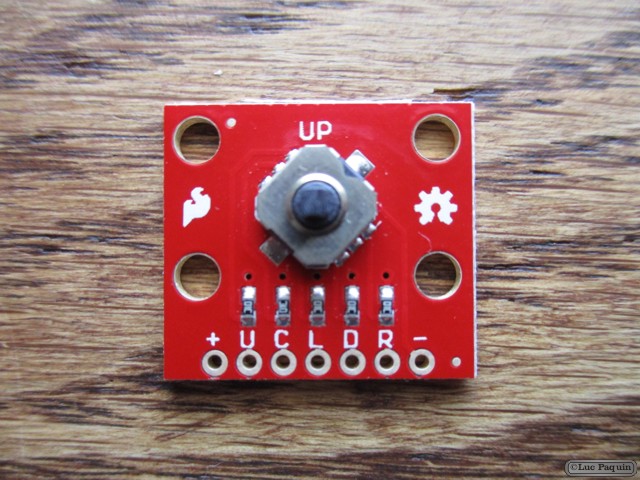
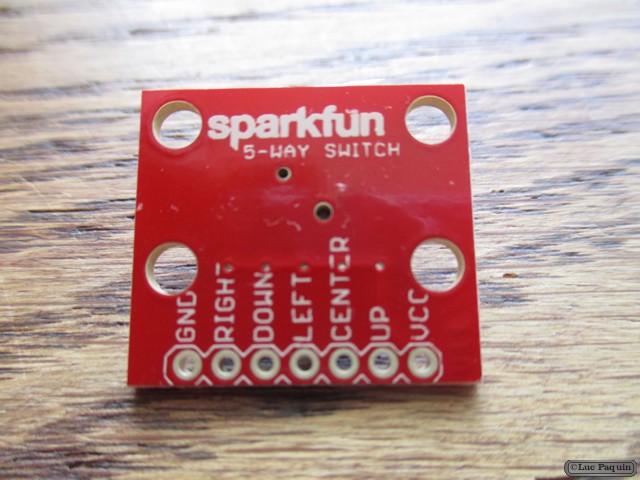
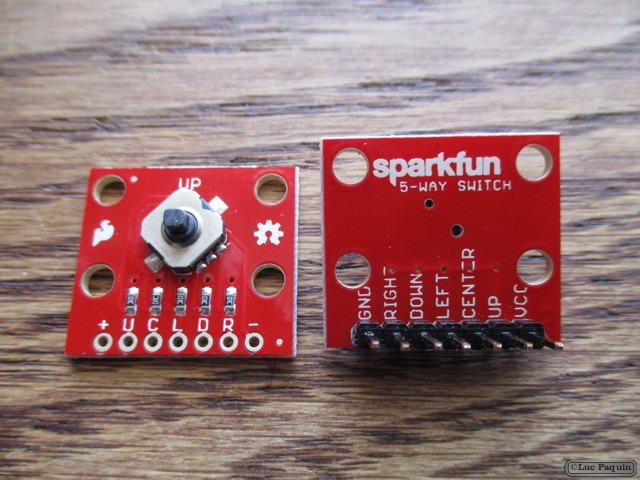
SparkFun – 5-Way Tactile Switch Breakout

SparkFun BOB-11187 Mk01

SparkFun BOB-11187 Mk02

SparkFun BOB-11187 Mk03

SparkFun BOB-11187 Mk04

SparkFun: BOB-11187

Description: Sometimes you need a very small directional input device (world’s smallest game controller, anyone?) This 5-way tactile switch (up, down, left, right, and center click) allows for joystick-like control in a very small package. This breadboard-friendly board breaks out all the switch signals, and includes pullup resistors configured so that the outputs read low when pressed, and high otherwise. (If you wish, you can reverse the power leads for pull-down operation.)

Don Luc
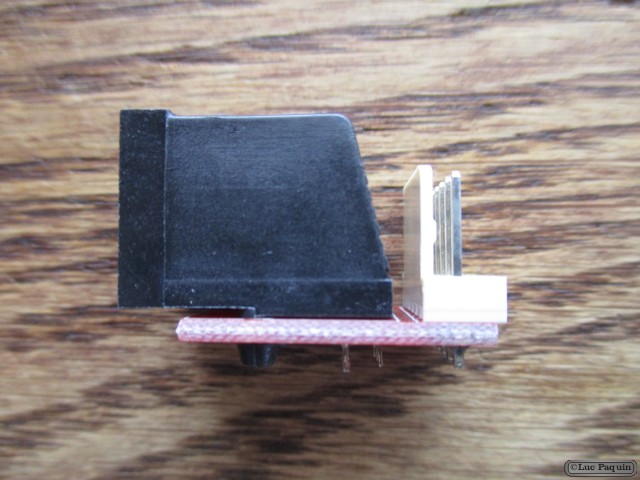
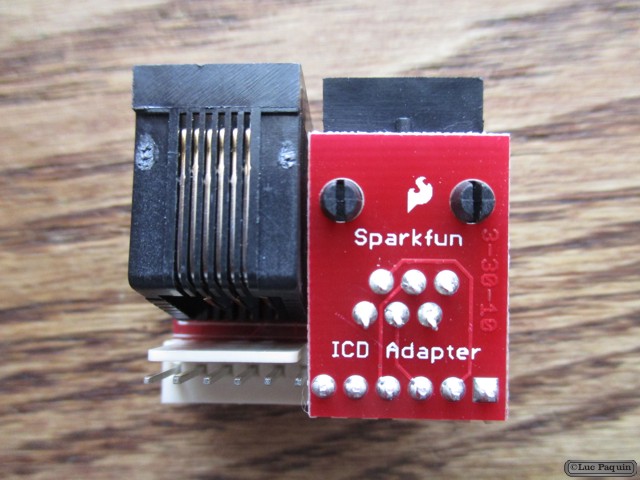
SparkFun – Adapter Board – ICD/ICD2

SparkFun BOB-00193 Mk01

SparkFun BOB-00193 Mk02

SparkFun BOB-00193 Mk03

SparkFun BOB-00193 Mk04

SparkFun BOB-00193 Mk05

SparkFun: BOB-00193

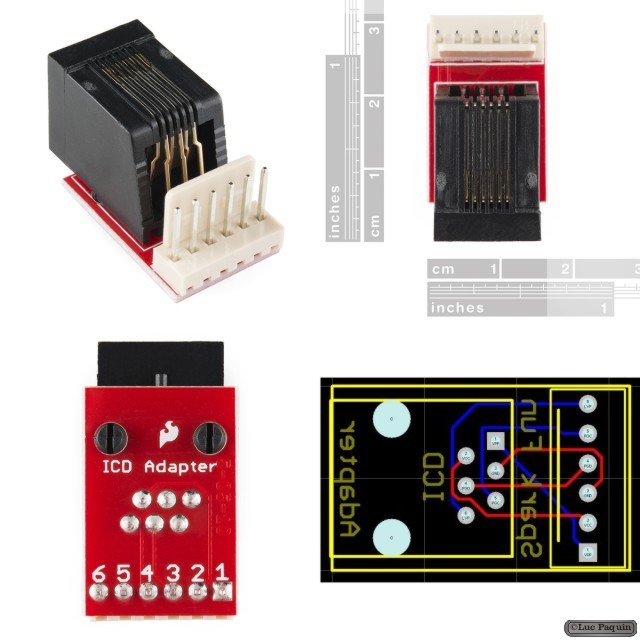
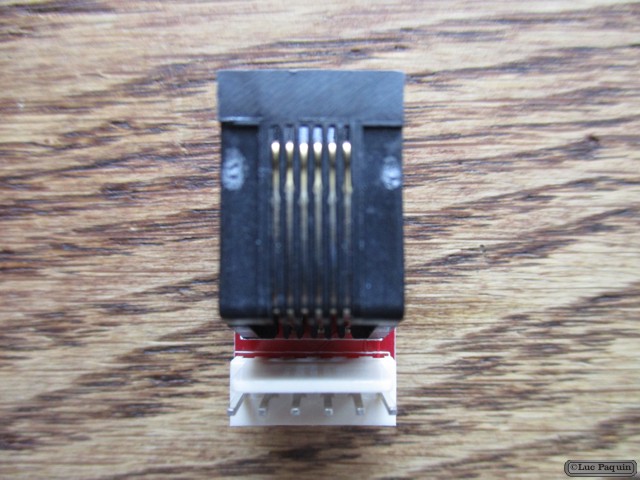
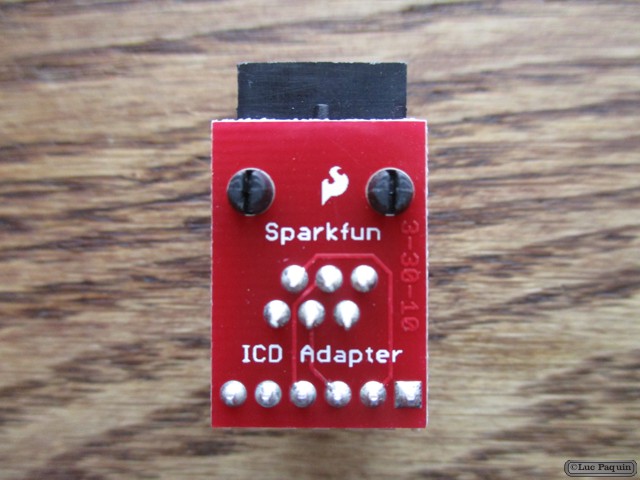
Description: This is a small PCB that adapts the standard Microchip 6-Pin RJ11 connector to the Olimex 6-Pin .1″ Molex Connector. It is used to connect the original Microchip ICD or ICD2 to a Olimex Development board or to a bread board. If you own an Olimex ICD or ICD2, you do not need this board.

Note: The ICD RJ11 cable reverses the programming signals. Please take a look at the PCB Layout image for a better understanding of the signal routing. This board will allow you direct access to the programming lines.

Dimensions: 0.65×1.0″

Don Luc
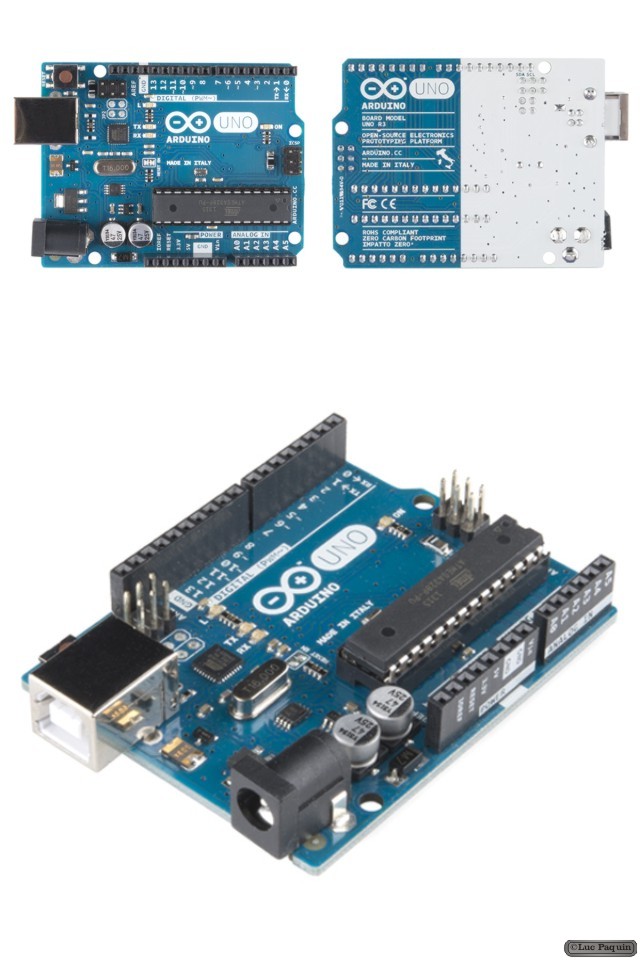
SparkFun – Arduino Uno – R3

SparkFun DEV-11021 Mk01

SparkFun DEV-11021 Mk02

SparkFun DEV-11021 Mk03

SparkFun: DEV-11021

Description: This is the new Arduino Uno R3. In addition to all the features of the previous board, the Uno now uses an ATmega16U2 instead of the 8U2 found on the Uno (or the FTDI found on previous generations). This allows for faster transfer rates and more memory. No drivers needed for Linux or Mac (inf file for Windows is needed and included in the Arduino IDE), and the ability to have the Uno show up as a keyboard, mouse, joystick, etc.

The Uno R3 also adds SDA and SCL pins next to the AREF. In addition, there are two new pins placed near the RESET pin. One is the IOREF that allow the shields to adapt to the voltage provided from the board. The other is a not connected and is reserved for future purposes. The Uno R3 works with all existing shields but can adapt to new shields which use these additional pins.

Arduino is an open-source physical computing platform based on a simple i/o board and a development environment that implements the Processing/Wiring language. Arduino can be used to develop stand-alone interactive objects or can be connected to software on your computer (e.g. Flash, Processing, MaxMSP). The open-source IDE can be downloaded for free (currently for Mac OS X, Windows, and Linux).

Note: The Arduino Uno R3 requires the Arduino 1.0 drivers folder in order to install properly on some computers. We have tested and confirmed that the R3 can be programmed in older versions of the IDE. However, the first time using the R3 on a new computer, you will need to have Arduino 1.0 installed on that machine. If you are interested in reading more about the changes to the IDE, check out the official Arduino 1.0 Release notes!

Features:

  • ATmega328 microcontroller
  • Input voltage – 7-12V
  • 14 Digital I/O Pins (6 PWM outputs)
  • 6 Analog Inputs
  • 32k Flash Memory
  • 16Mhz Clock Speed

Don Luc
SparkFun – Bluetooth Mate Silver

SparkFun WRL-10393 Mk01

SparkFun WRL-10393 Mk02

SparkFun WRL-10393 Mk03

SparkFun: WRL-10393

Description: The Bluetooth Mate is very similar to our BlueSMiRF modem, but it is designed specifically to be used with our Arduino Pros and LilyPad Arduinos. These modems work as a serial (RX/TX) pipe, and are a great wireless replacement for serial cables. Any serial stream from 2400 to 115200bps can be passed seamlessly from your computer to your target.

Bluetooth Mate has the same pin out as the FTDI Basic, and is meant to plug directly into an Arduino Pro, Pro Mini, or LilyPad Mainboard. Because we’ve arranged the pins to do this, you cannot directly plug the Bluetooth Mate to an FTDI Basic board (you’ll have to swap TX and RX).

The RN-42 is perfect for short range, battery powered applications. The RN-42 uses only 26uA in sleep mode while still being discoverable and connectable. Multiple user configurable power modes allow the user to dial in the lowest power profile for a given application. If you need longer range, check out the Bluetooth Mate Gold.

The Bluetooth Mate has on-board voltage regulators, so it can be powered from any 3.3 to 6VDC power supply. We’ve got level shifting all set up so the RX and TX pins on the remote unit are 3-6VDC tolerant. Do not attach this device directly to a serial port. You will need an RS232 to TTL converter circuit if you need to attach this to a computer.

Unit comes without a connector; if you want to connect it to an Arduino Pro, we’d suggest the 6-pin right-angle female header.

Note: The hardware reset pin of the RN-42 module is broken out on the bottom side of the board. This pin is mislabeled as ‘PIO6’, it is actually PIO4. Should you need to reset the Mate, pull this pin high upon power-up, and then toggle it 3 times.

Features:

  • Designed to work directly with Arduino Pro’s and LilyPad main boards
  • FCC Approved Class 2 Bluetooth® Radio Modem!
  • Low power consumption: 25mA avg
  • Hardy frequency hopping scheme – operates in harsh RF environments like WiFi, 802.11g, and Zigbee
  • Encrypted connection
  • Frequency: 2.4~2.524 GHz
  • Operating Voltage: 3.3V-6V
  • Serial communications: 2400-115200bps
  • Operating Temperature: -40 ~ +70C
  • Built-in antenna

Dimensions:

  • Board: 1.75×0.65″

Don Luc
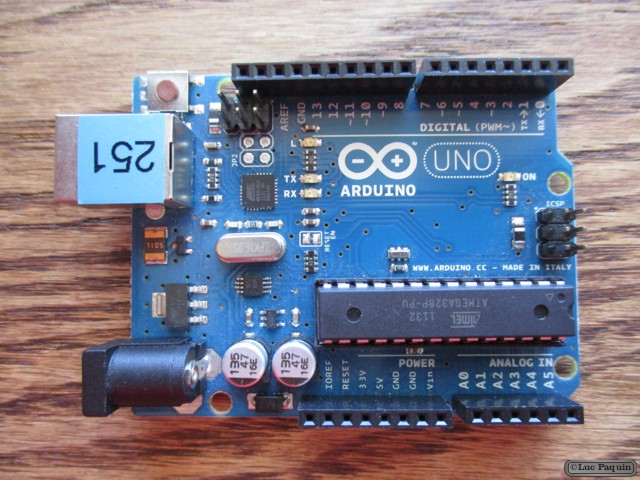
SparkFun – Bluetooth SMD Module – RN-42-HID

SparkFun WRL-10823 Mk01

SparkFun WRL-10823 Mk02

SparkFun WRL-10823 Mk03

SparkFun: WRL-10823

Description: This is the same Roving Networks Bluetooth module that you already know and love, but it comes firmware-configured for the HID protocol. HID, or “Human Interface Device”, is the communication protocol used for computer peripherals such as keyboards, mice and joysticks. This makes the RN-42-HID a simple and powerful tool for creating wireless peripheral devices which can be universally recognized and used without the installation of special drivers. The manual included in the documentation below goes into more detail about the Bluetooth HID profile.

The RN-42 is perfect for short range, battery powered applications. The RN-42 uses only 26uA in sleep mode while still being discoverable and connectable. Multiple user configurable power modes allow the user to dial in the lowest power profile for a given application.The RN-42 is even FCC and Bluetooth SIG certified making it a complete embedded Bluetooth solution.

Features:

  • Fully qualified Bluetooth module
  • FCC Certified
  • Over air data rate of 721kbps to 2.0Mbps
  • Low power sleep mode
  • 3.3V operation
  • Status pin
  • Bluetooth Technology v2.0 compatible
  • Class 2 power output

Don Luc
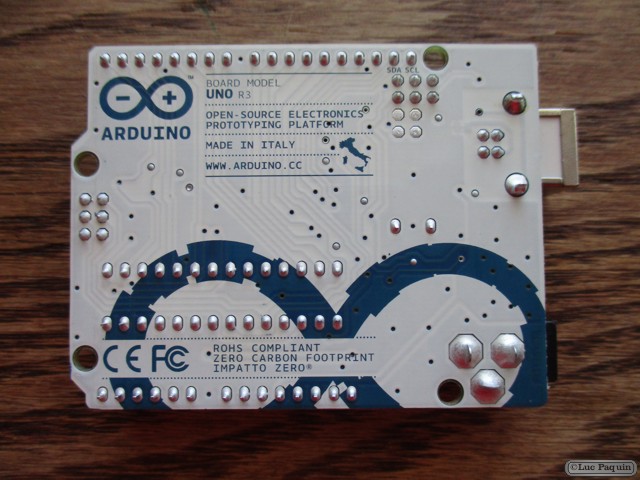
SparkFun – Max Power IR LED Kit

SparkFun KIT-10732 Mk01

SparkFun KIT-10732 Mk02

SparkFun KIT-10732 Mk03

SparkFun KIT-10732 Mk04

SparkFun: KIT-10732

Description: Infrared LEDs are awesome. Along with an IR receiver they can be used for remote control and even basic remote data communication. The only problem is that your Arduino won’t drive them to their full potential. The SparkFun Max Power IR LED kit solves this problem by providing you with everything you need to drive a 950nm IR LED properly. Simply solder together this easy through-hole kit and you can switch the LED using a transistor.

Once the kit is assembled, simply provide it with voltage (5V), ground, and connect the CTL pin to a digital pin on your Arduino, and you can drive this kit just like a normal LED. Although the LED won’t be visible to your naked eye, you can use a video camera, cell phone camera, or digital camera to see if the LED is working properly.

Don Luc